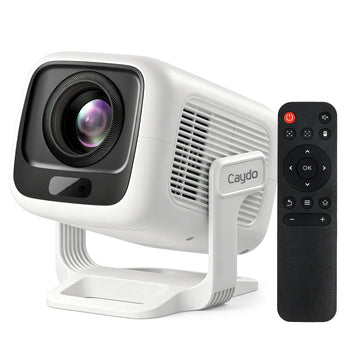
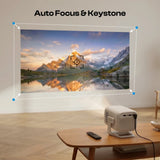
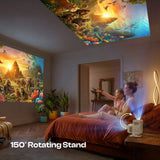
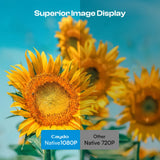
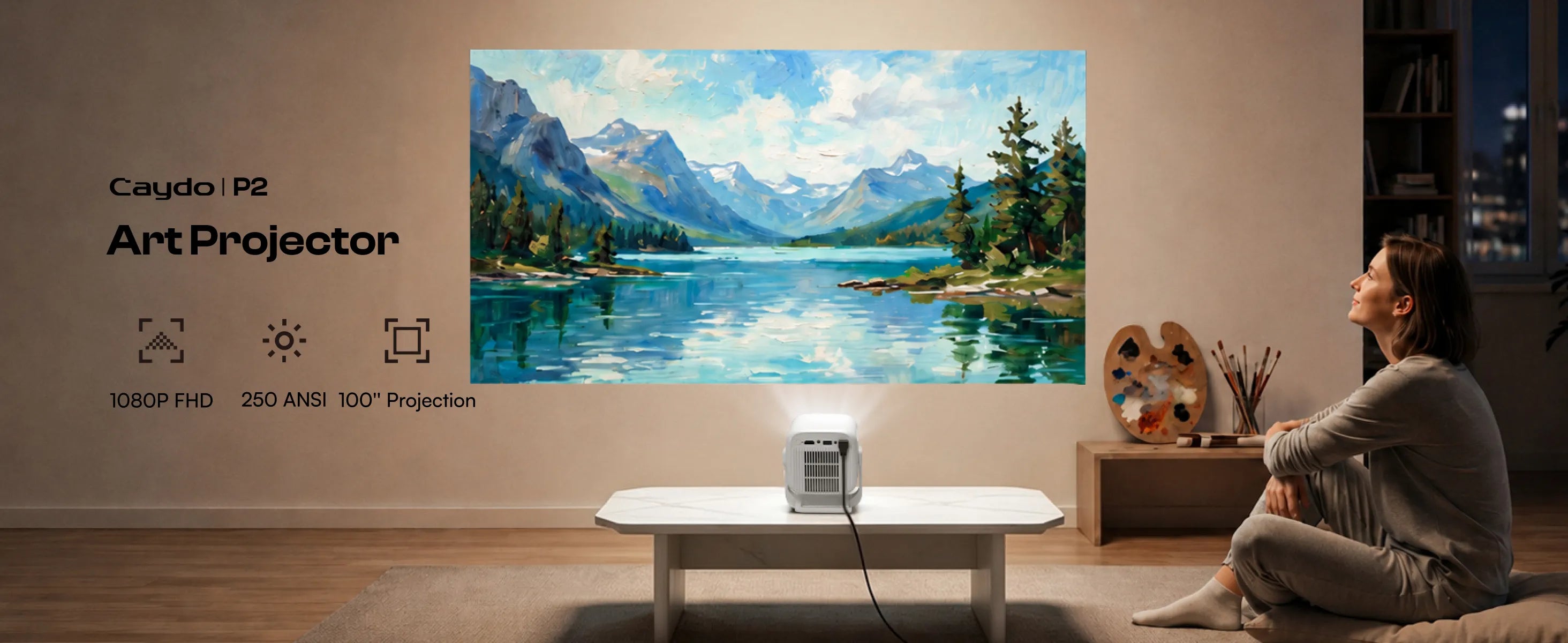
Caydo P2 Kunst Malprojektor
Verfügbarkeit für Abholungen konnte nicht geladen werden












Fragen und Antworten
Wie aktualisiere ich die Zeichen-App auf dem Projektor? Muss ich für die neue Version bezahlen?
App-Upgrades werden automatisch durchgeführt – stimmen Sie einfach zu, wenn Sie benachrichtigt werden. Sie können auch manuell in den Einstellungen unter „System“ > „Upgrade“ prüfen. Alle neuen Funktionen bleiben kostenlos. Es ist kein Download oder eine Zahlung erforderlich.
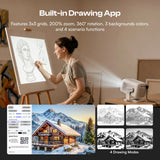
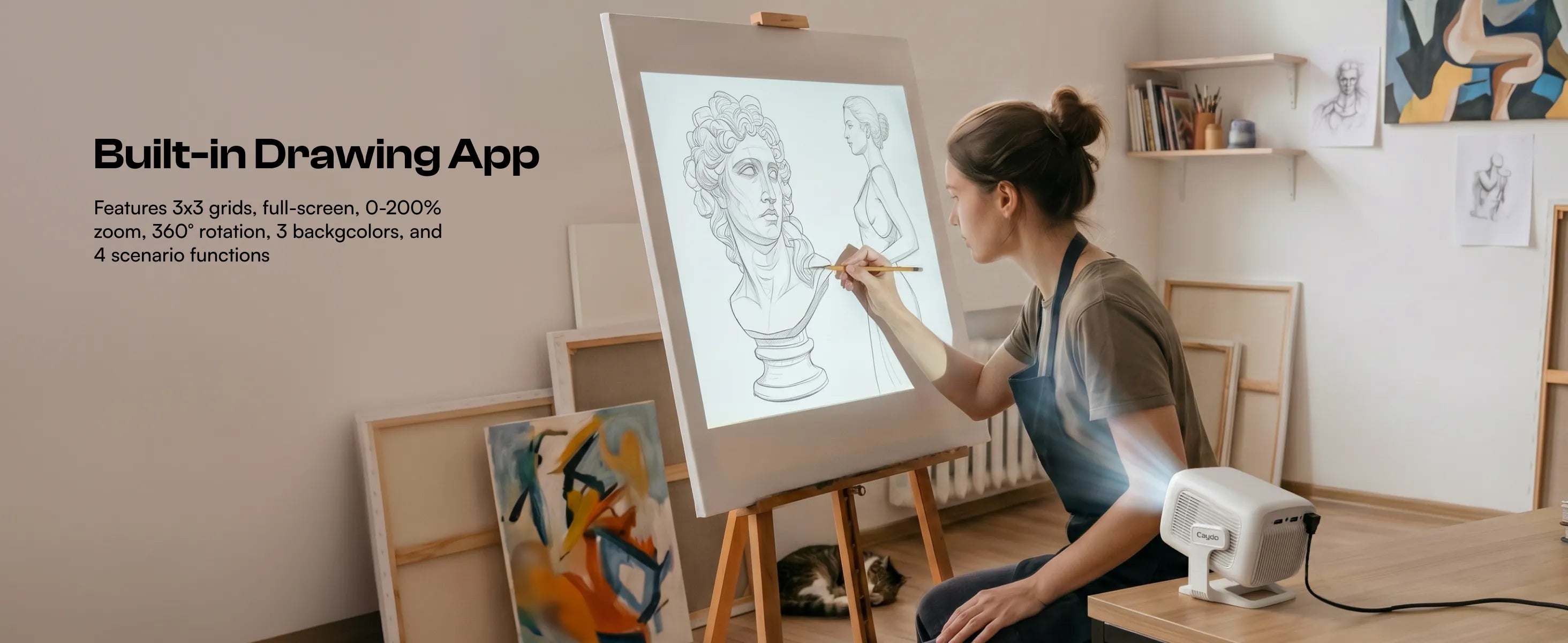
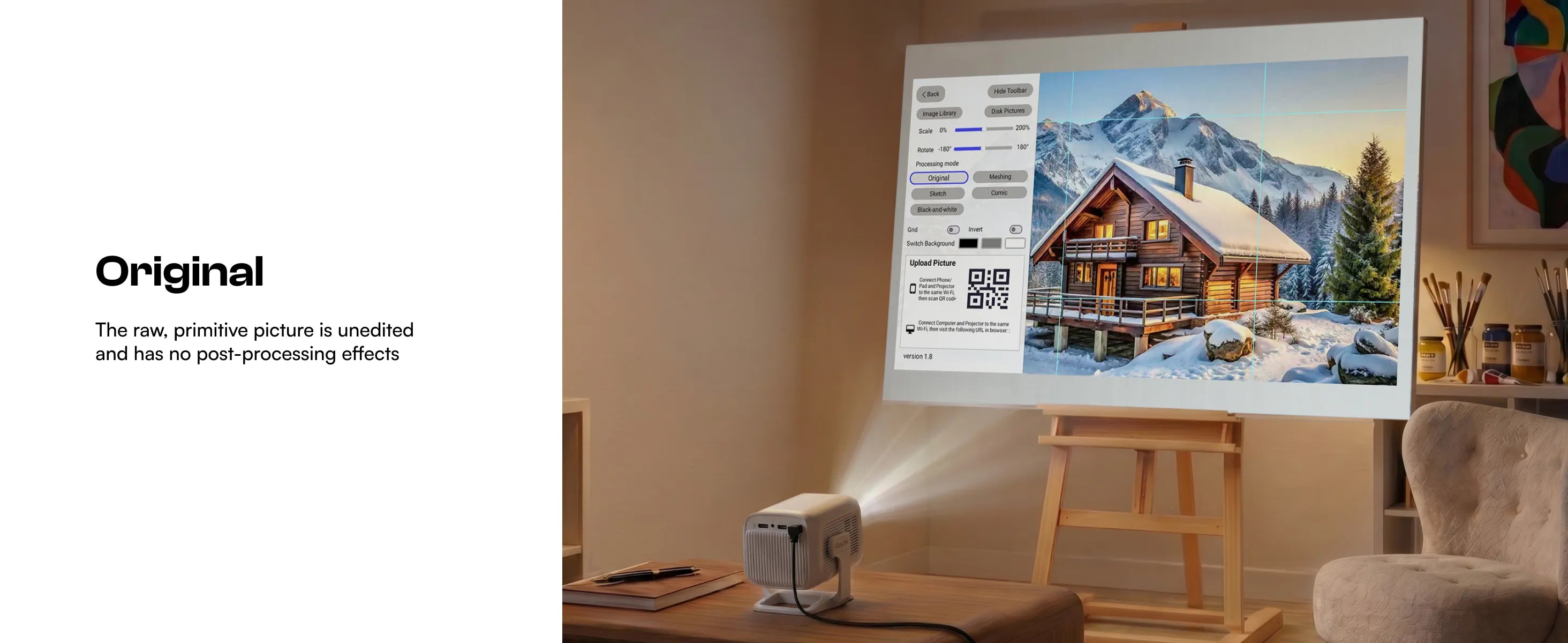
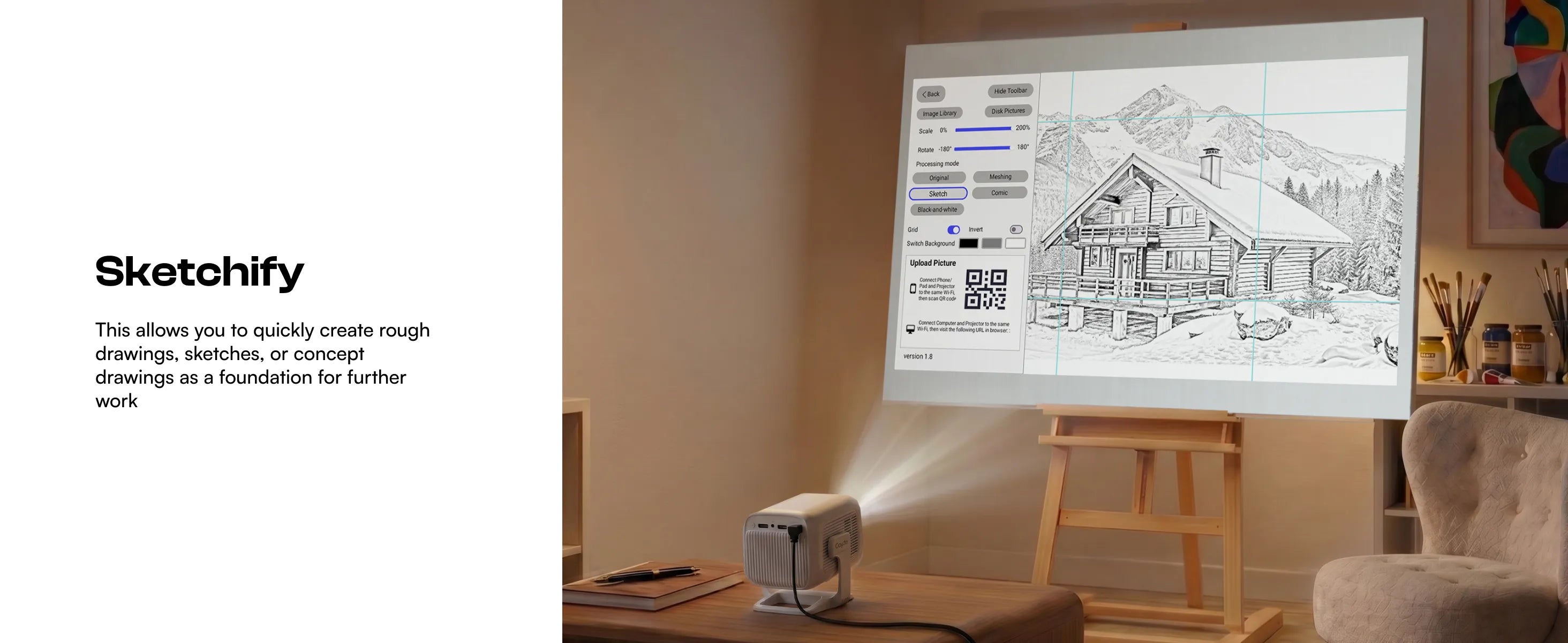
Wofür sind die 4 Zeichenmodi in der Zeichen-App gedacht?
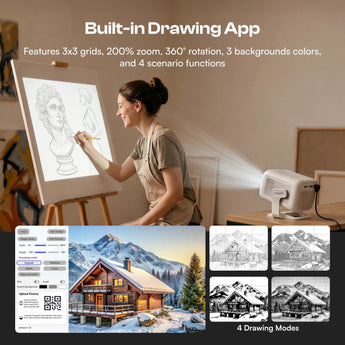
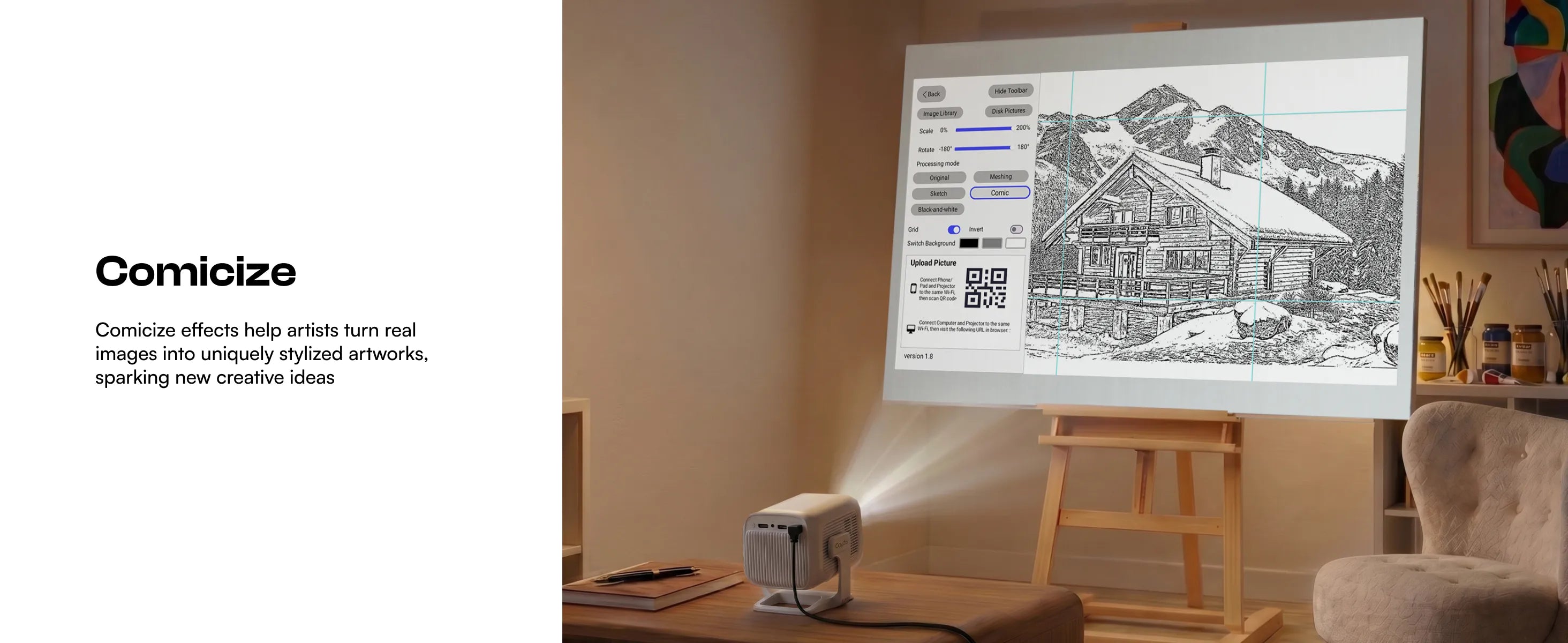
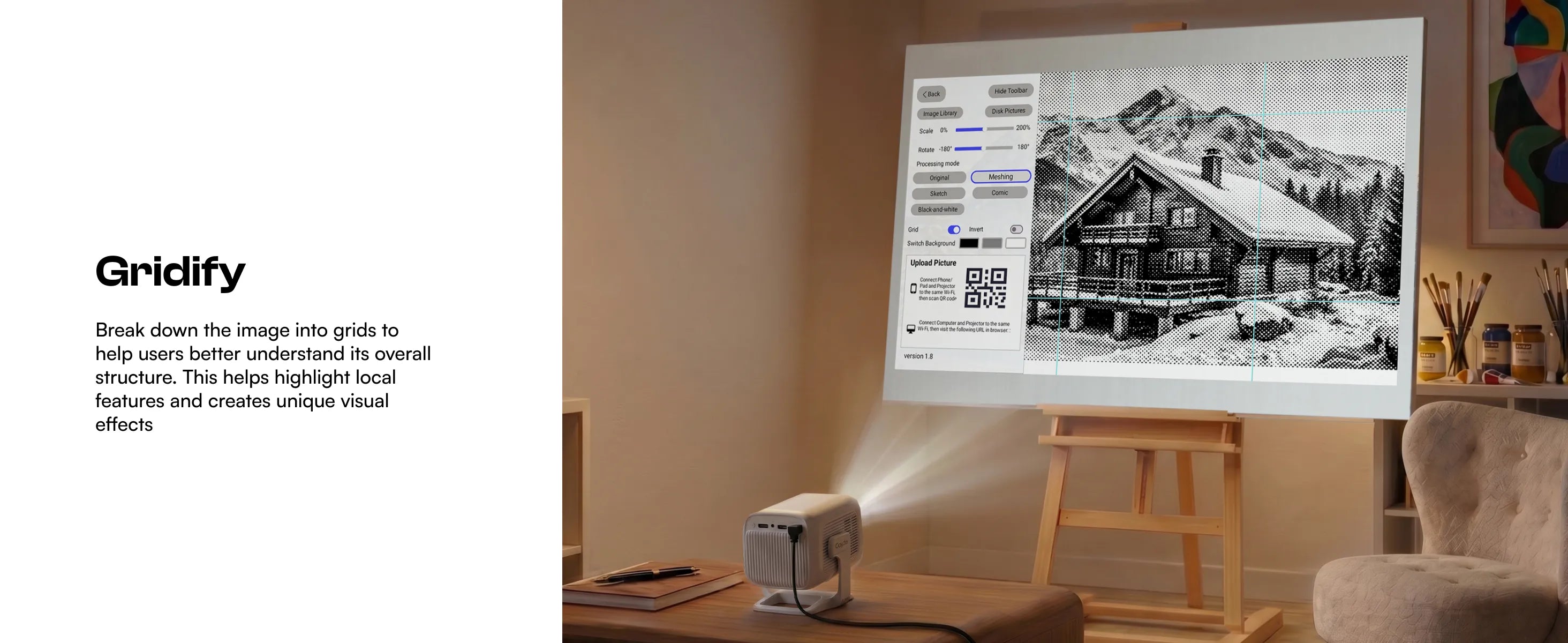
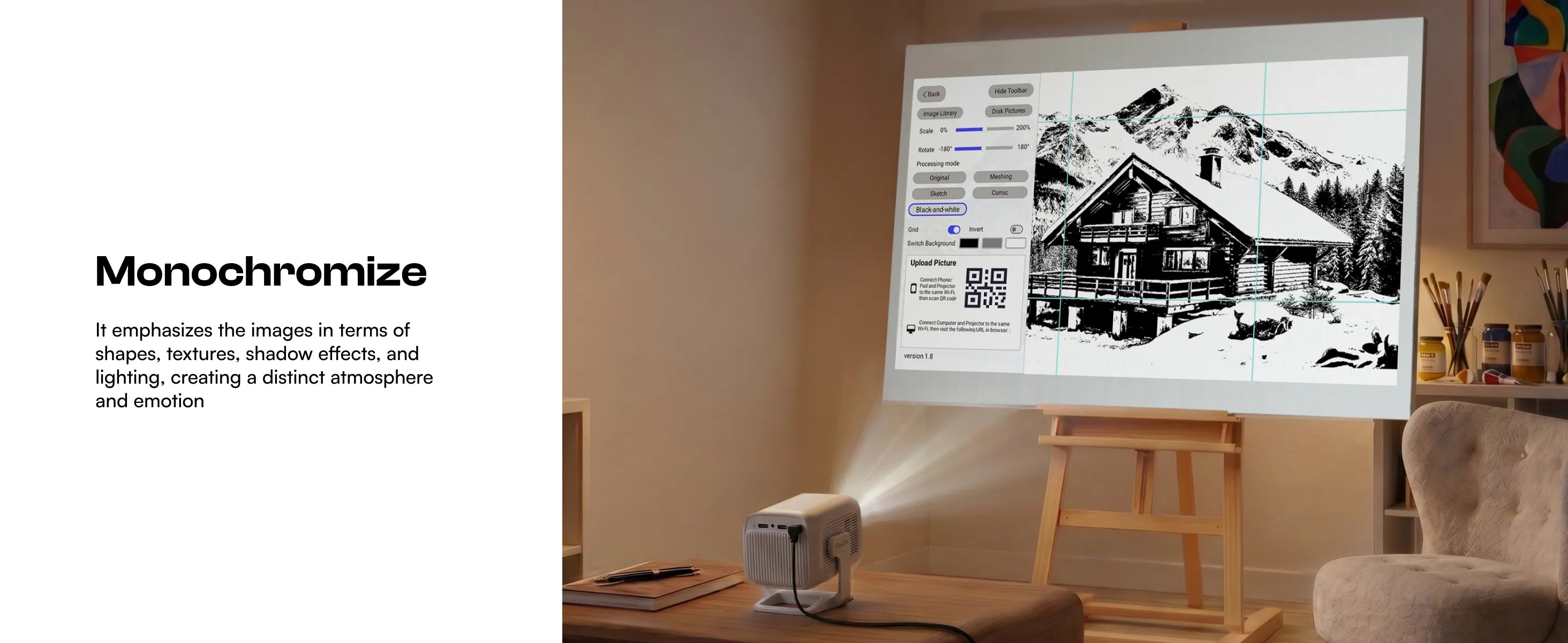
Die 4 Zeichenmodi sind darauf ausgelegt, Ihr Originalbild intelligent zu verarbeiten, indem sie alle irrelevanten Elemente entfernen und es in verschiedene Stile umwandeln. Jeder Modus bietet einzigartige Effekte, die Ihnen bei der Realisierung Ihrer Kunstwerke helfen.
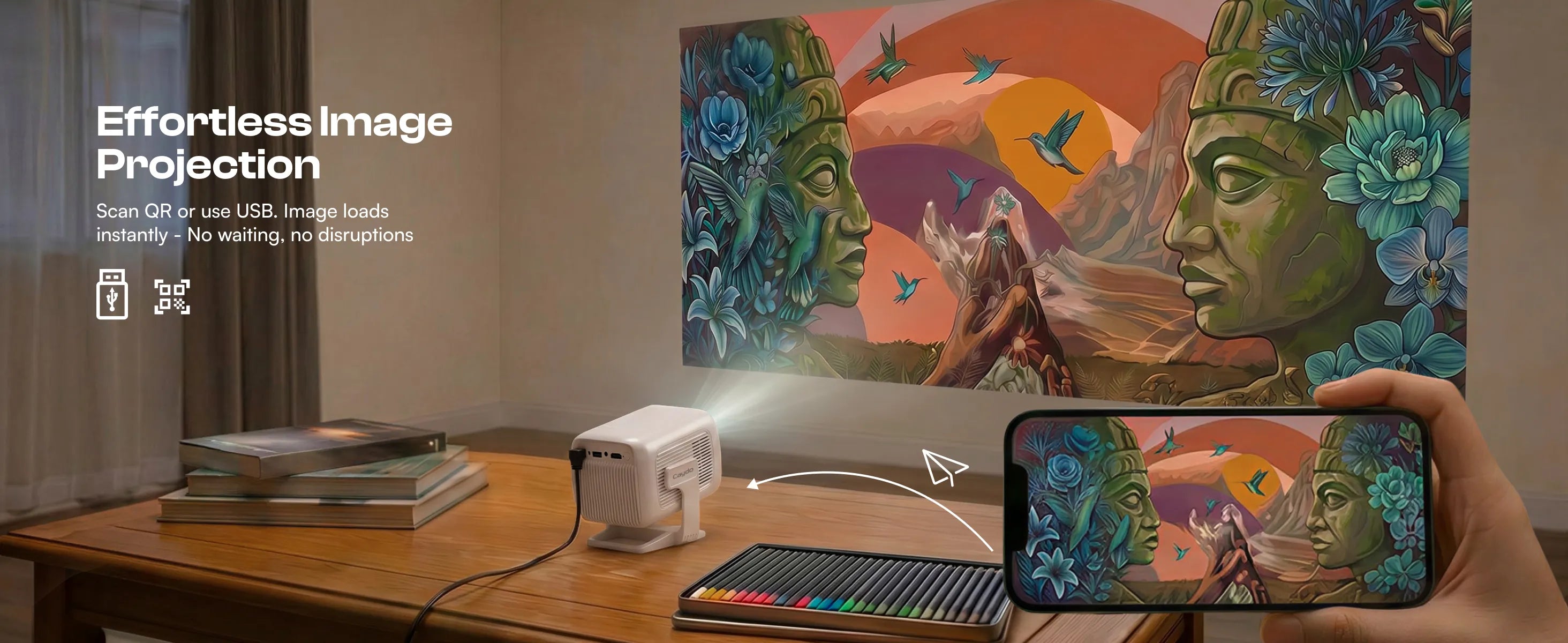
Wird ein PC zum Übertragen von Bildern benötigt?
Nein, jetzt können Sie Bilder schnell von Ihrem Telefon auf den Projektor übertragen, indem Sie einfach den Code auf dem Bildschirm in der Zeichen-App scannen.
Wie kann man Bilder ohne Internet übertragen?
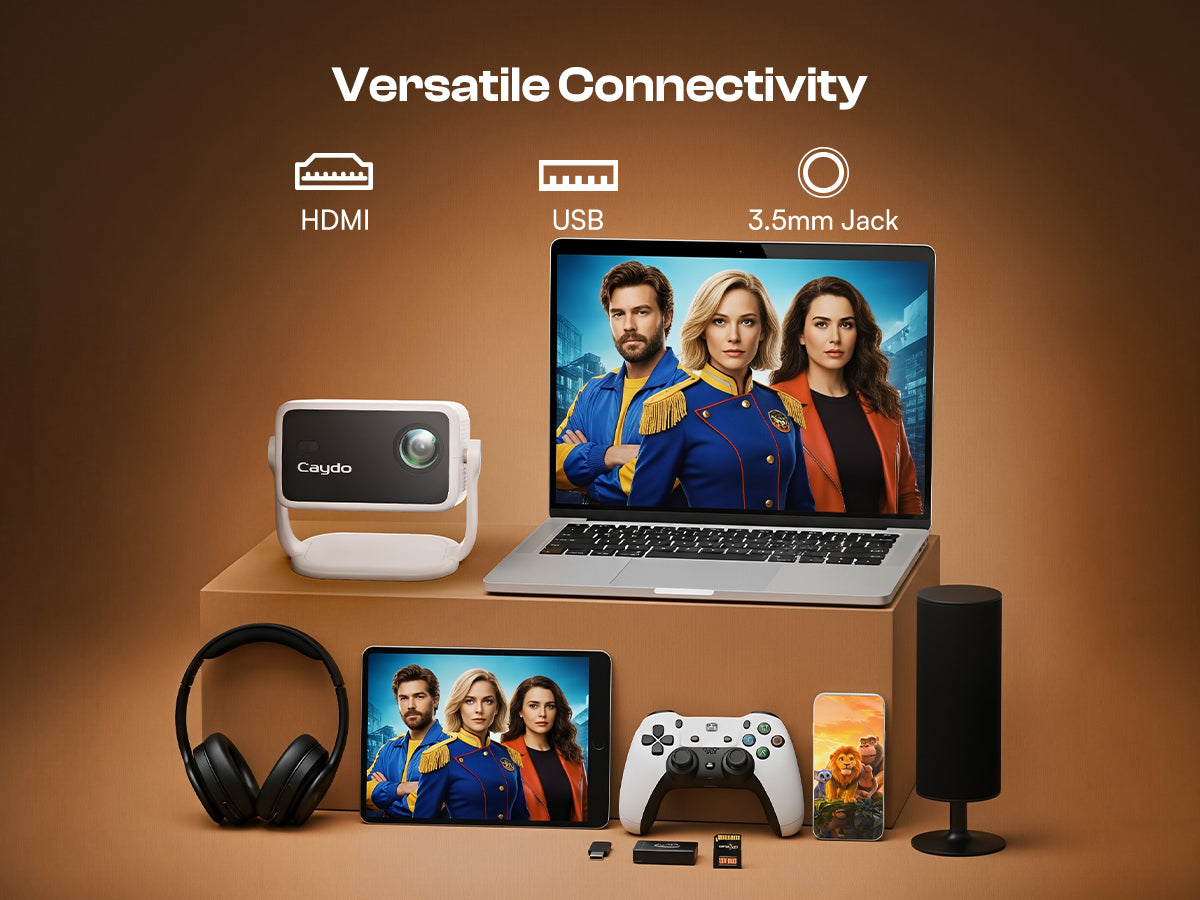
Wenn Sie sich an einem Ort ohne Internet befinden, speichern Sie Ihre Bilder einfach im Voraus auf einem USB-Laufwerk, stecken Sie es in den Projektor, und Sie können direkt über die integrierte Zeichen-App darauf zugreifen.
Kann ich die Sendung verfolgen, ohne die App zu nutzen?
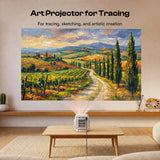
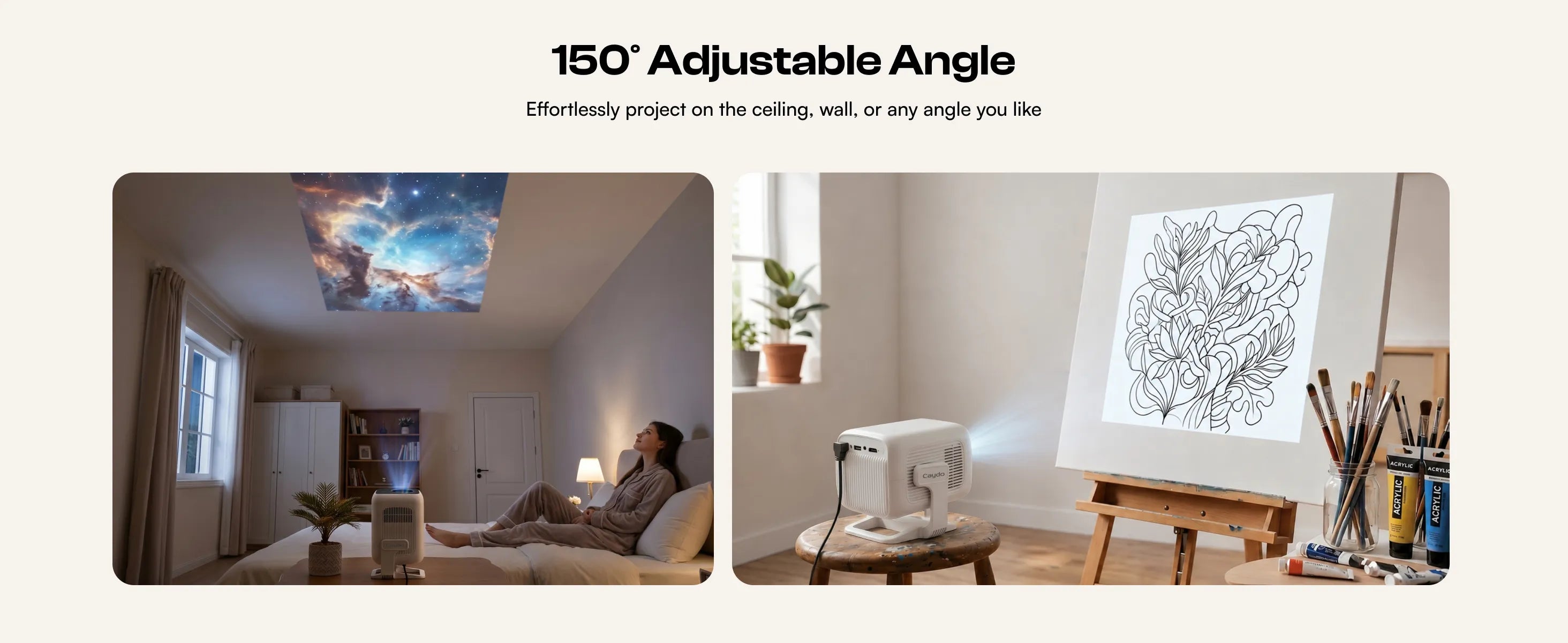
Ja, wenn Sie keine Bildverarbeitungsfunktionen benötigen, können Sie die Bildschirmspiegelung verwenden, um Bilder zur schnellen Nachzeichnung auf Ihre Oberfläche zu projizieren.