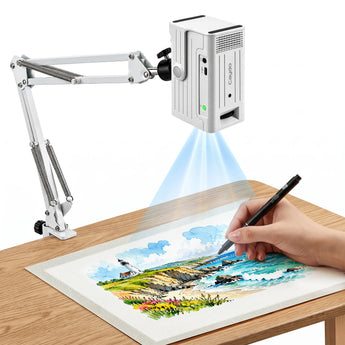
Caydo S2 Art Projector
Couldn't load pickup availability





Q&A
What’s the difference between S2 and S1?
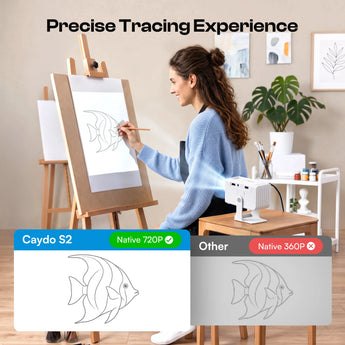
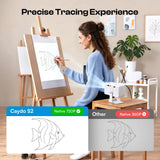
S2 is a native 720P digital projector that lets you import and edit images in the Caydo drawing app, then project wirelessly from your phone or tablet. S1 is an optical projector that enlarges printed images for tracing.
How do I connect my phone, tablet, or computer to the S2?
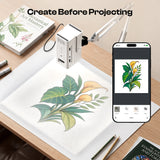
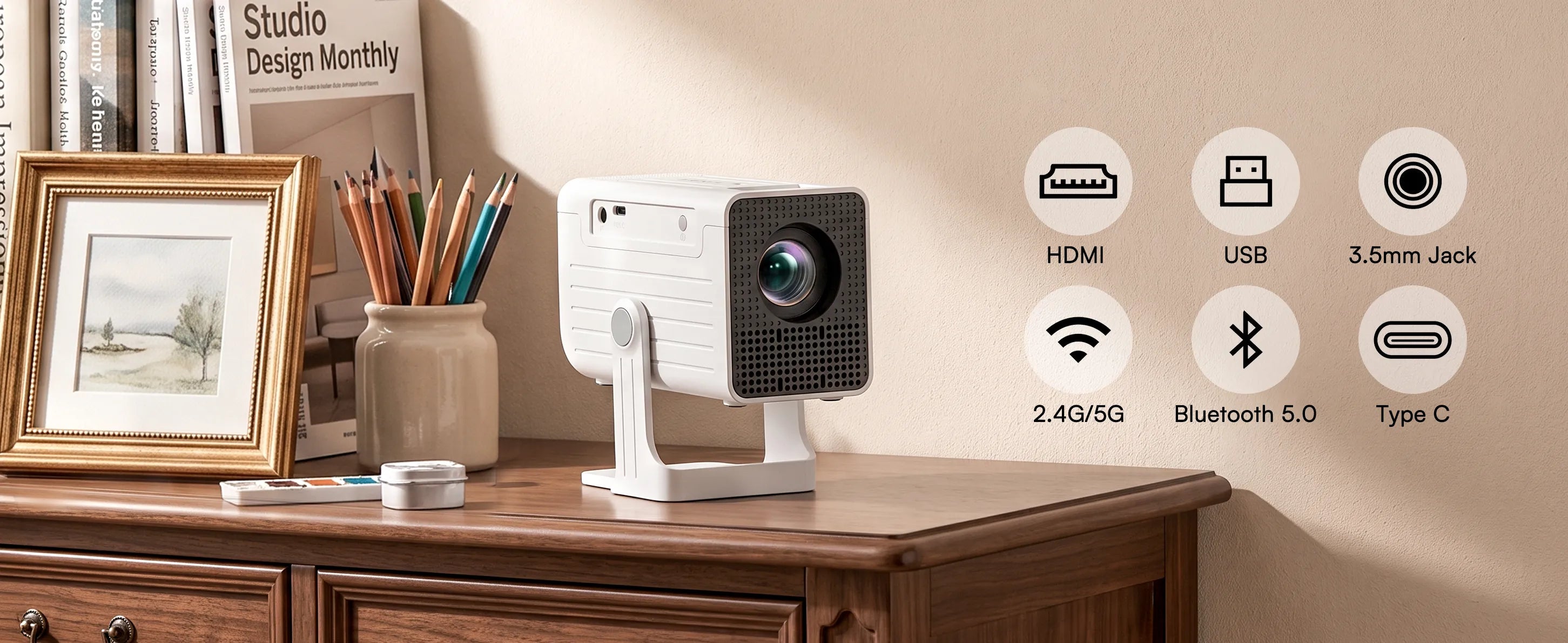
For wireless projection, connect the S2 and your phone or tablet to the same Wi-Fi network, then open the Caydo drawing app and pair in a few taps. You can also connect compatible external devices, such as a computer, via HDMI.
Can I project and edit my own images?
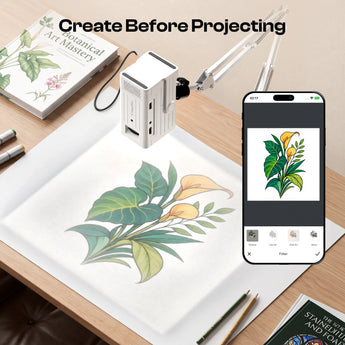
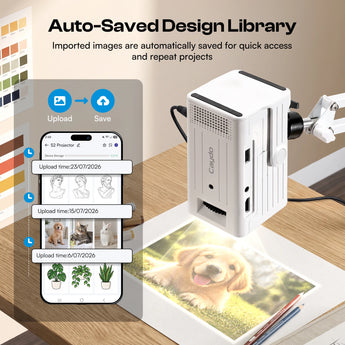
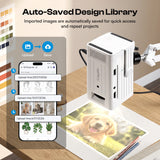
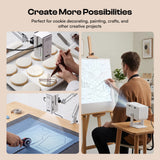
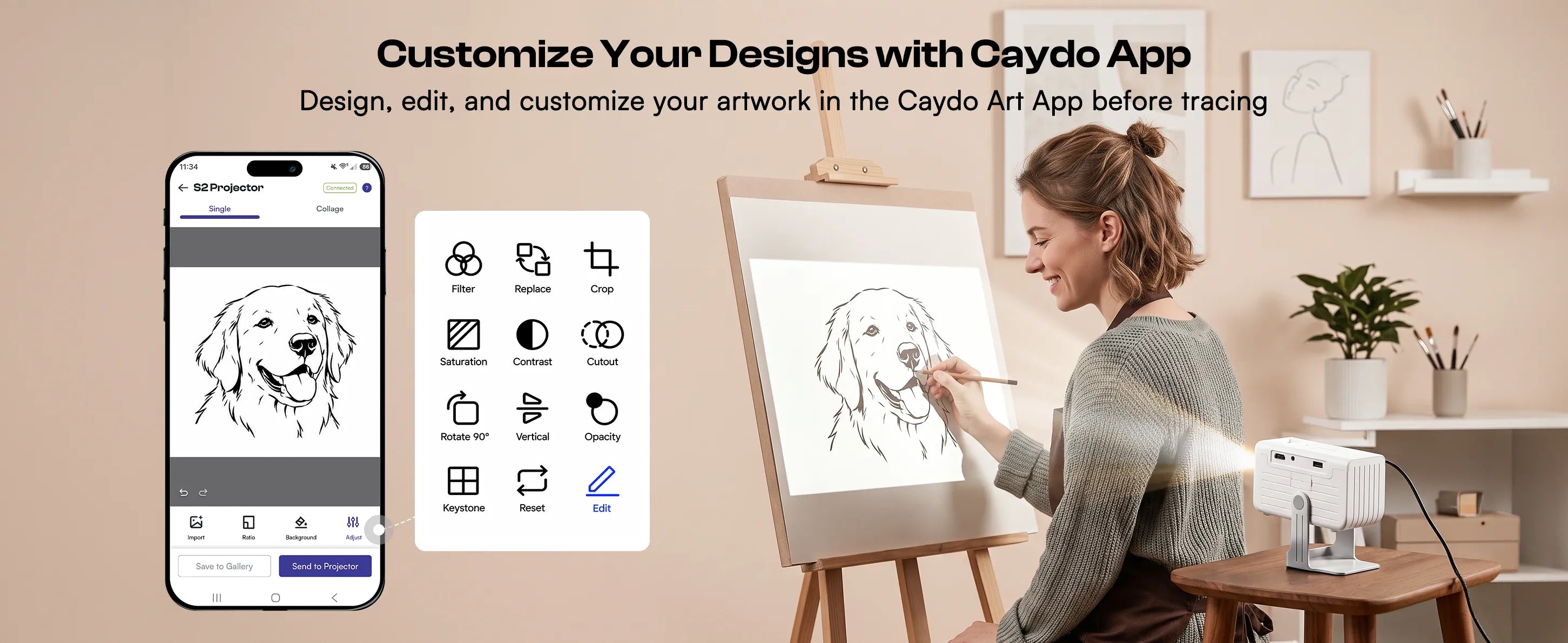
You can import photos from your camera or gallery into the Caydo drawing app, or create new artwork with AI text-to-image. Then crop, rotate, flip, or combine images and adjust the look to suit your project. Once you’re happy with your design, project it directly onto your workspace.
How large can I project my design?
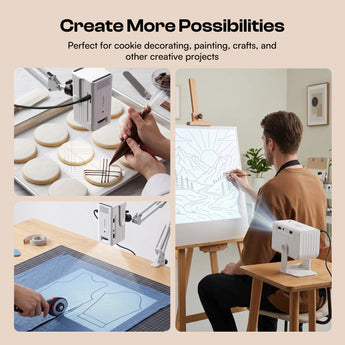
For tabletop projects, you can project your design at sizes from 15 to 25 inches. If you’re working on a wall or a larger canvas, simply move the S2 farther back to scale your design up to 85 inches.
The projector isn't working as expected. What should I do?
We have a professional service team ready to help. Please let us know your issues, and we'll resolve any problems within 24 hours on business days.