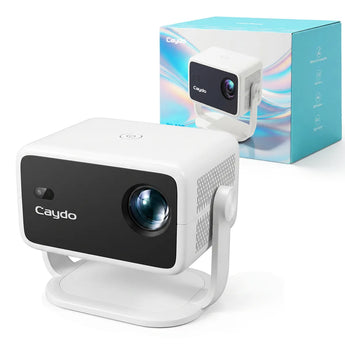


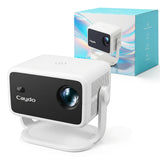


Caydo P3 Art Painting Projector
Couldn't load pickup availability


Find the Right P-Series Projector for Your Art


Native 720P
Native 1080P
Native 1080P
165 ANSI
250 ANSI
400 ANSI
30–100"
40–100"
40–120"
Dimmer rooms & everyday spaces
Indoor studios & larger workspaces
Brighter rooms & larger creative spaces
Tracing, crafts & everyday projects
Detailed artwork & medium-to-large projects
Large canvas, murals & detail-focused work
You want an easy entry into digital projection
You want a balanced 1080P setup
You want maximum brightness, size & detail
Q&A
What are the 4 drawing modes in the drawing app for?
The 4 drawing modes are designed to intelligently process your original image by removing any irrelevant elements and transforming it into various styles. Each mode offers unique effects to help you achieve your artwork.
How do I load my images into the art drawing app?
You can transfer your images to the projector via USB flash drive. Just make sure your image is in one of the following formats: JPG, PNG, BMP, GIF, or JPEG.
The projector isn't working as expected. What should I do?
We have a professional service team ready to help. Please let us know your issues, and we'll resolve any problems within 24 hours on business days.